

Manage access at your university event

Control access to activities and track attendance in real time with QR codes or NFC wristbands. Built for orientation weeks, student competitions, and campus festivals.

How It Works

Get your campus event running in three simple steps

1

Set Up Your Event

Import your participant list, create your activities, and define who can access each one.

2

Prepare QR or NFC Access

Use participant QR codes without buying wristbands, or prepare NFC wristbands for physical accreditation.

3

Scan and Track Attendance

Scan QR codes or NFC wristbands at your activities and follow attendance in the dashboard.

Why Student Organizers Choose Evenix

Manage activity access and attendance in one place, with QR or NFC to suit your event.

Track Your Event

QR and NFC scans record attendance in real time so your team can see who checked into each activity.

  • Live attendance view
  • CSV participant import

Choose Your Access Method

Start with QR codes without buying wristbands, or choose NFC when you need a physical wristband at your checkpoints.

  • QR and NFC options
  • Guided onboarding available

Stress-Free Management

Evenix helps your team manage access and attendance so volunteers can focus on the experience.

  • Access control
  • Attendance tracking
  • Fast emergency response

University Event Success Stories

Discover how student associations and university festivals transformed their events with Evenix smart technology

Students celebrating at Sherbrooke University Oktoberfest with NFC wristbands for access control and cashless payments
University Festival

Sherbrooke Oktoberfest

Sherbrooke Oktoberfest used Evenix NFC wristbands for access control and payments. The event welcomed 7,000+ participants, and entry was 75% faster with Evenix.

7,000+ Participants
75% Faster entry
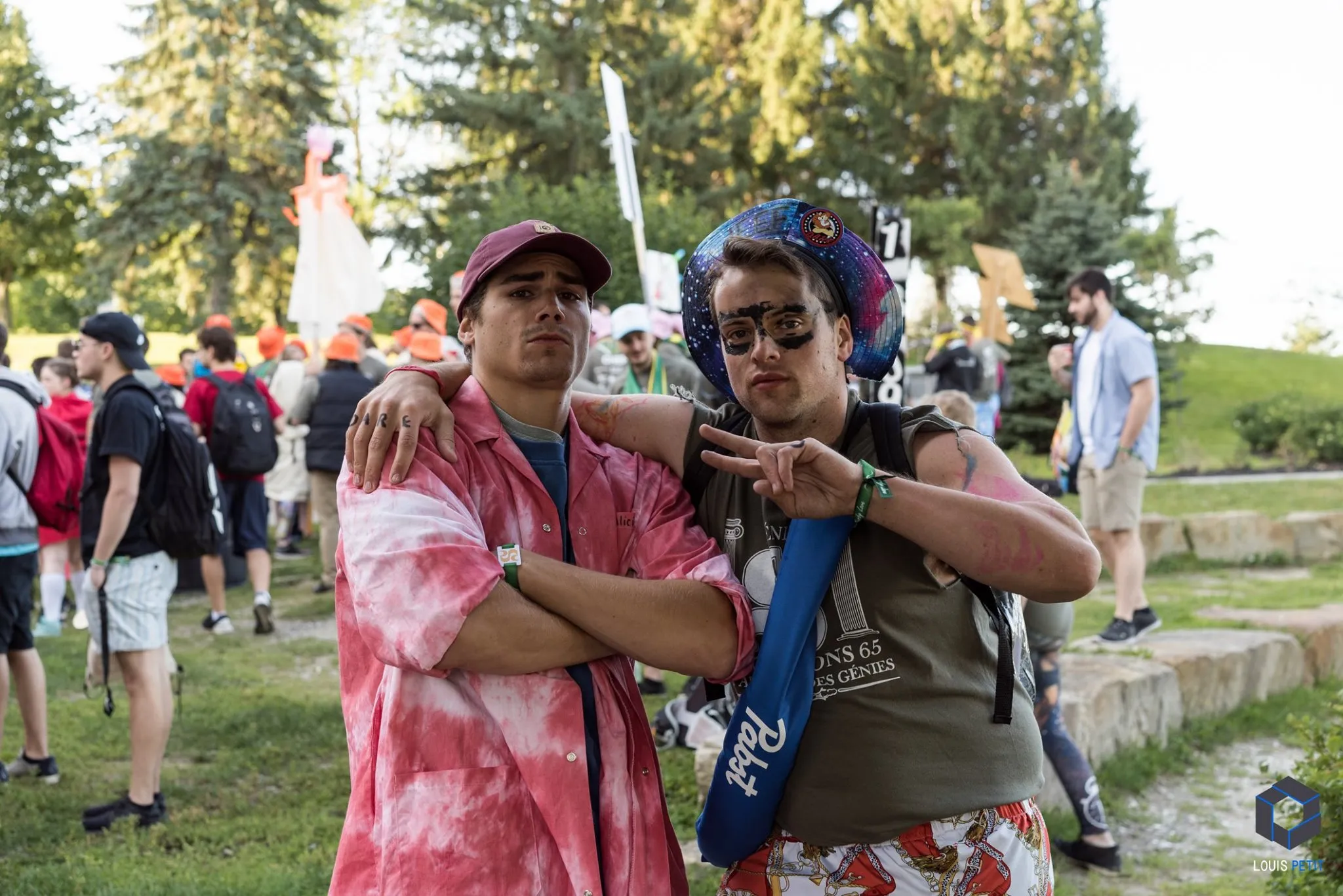
Engineering students at Sherbrooke University integration week using Evenix smart wristbands for event tracking and activity management
Multi-Day Integration

Engineering Week at Sherbrooke

Engineering Week at Sherbrooke used Evenix to track 800+ participants across 5 days of activities. Real-time attendance tracking gave organizers a clearer view of participation throughout the event.

800+ Students
5 Days of activities
Health students celebrating during MedGames 2026 weekend in Montreal
National Student Games

MedGames 2026

MedGames 2026 brought together 1,500+ health students in Montréal for three days of activities. Evenix supported NFC accreditation, contactless payments, and live attendance stats.

1,500+ Participants
3 Days Duration

How Event configuration works

Learn how to configure your event with Evenix

Choose QR or NFC for Your Event

Choose QR codes for access without buying wristbands, or NFC wristbands for physical accreditation. Both options support activity access and real-time attendance tracking.

QR access

No wristbands. One clear event price.

Generate QR access for your event and pay only for participants whose QR code is activated. Each participant is billed once, no matter how many times their code is scanned.

  • No wristband purchase
  • QR entry and activities
  • Live attendance tracking
QR-only events
CA$0.85
per activated participant CA$249 minimum per event Choose QR access

NFC wristband pricing

Choose a physical wristband to scan at activity checkpoints. Wristbands are included in the per-participant prices below.

Starter

Small Events

Perfect for club parties and social gatherings

CA$ 1.75 / participant
  • Up to 500 participants
  • NFC wristbands included
  • Real-time attendance tracking
  • Activity management
  • Mobile app access
  • Email support
  • Cashless payments available by event scope
CA$1.75 per participant
Enterprise

Major Festivals

For large-scale university events and festivals

Custom Pricing
  • 3,000+ participants
  • Custom scope available by quote
  • Ask about integrations, branding, or onsite support
Contact Evenix for a festival quote

How to Use the Evenix Platform

Follow these steps to configure your event. Support is available via chat.

1

Understand Your Needs

Identify your event requirements and choose QR access or NFC wristbands.

  • Control access to meals and activities
  • Track participants for safety
  • Import participant lists
  • Enable cashless payments
2

Import Participants

Upload your participant list via CSV and manage participant records.

  • Import CSV files easily
  • Edit participants in real-time
  • Support available via live chat
Try Demo
3

Prepare Devices

Prepare your team’s iOS devices to scan QR codes with the camera or NFC wristbands with a compatible device.

  • Compatible with iOS
  • QR scanning or NFC reading
  • Prepare devices for event-day scanning
4

Create Activities

Set up activities to manage your event. Choose from different types based on your needs.

  • Access: Control entry to specific areas
  • Linked: Connect sequential steps
  • Count: Track attendance numbers
5

Check-In Participants

With QR, prepare each participant’s code for scanning. With NFC, find the participant in the app and pair their wristband.

  • Fast name search
  • Participant QR code or NFC wristband
  • Participant lookup
6

Scan During Activities

Scan QR codes or NFC wristbands to verify activity access and record attendance in real time.

  • Instant verification
  • Real-time tracking
  • Activity attendance records
Watch Demo